
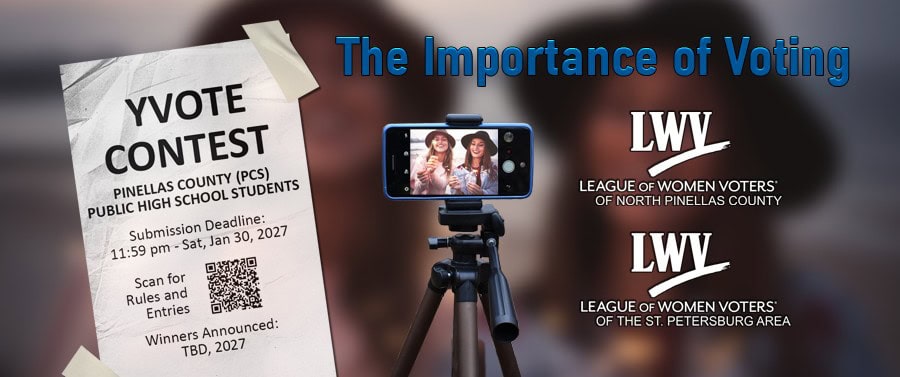
Contest Upload Link
- Go to https://www.youtube.com
- Click “SIGN IN” (top right corner) and log in with your Google account if you’re not already signed in.
To Upload a Video
- Click the “CREATE ICON” (a camera with a plus sign at the top right of the screen)
- Select “UPLOAD VIDEO”
(This will open YouTube Studio’s upload interface) - Click “SELECT FILES” or drag and drop your video file.
- Choose the video file from your computer.
- While it uploads, you can fill out the video details.
- Under the VISIBILITY tab, choose “UNLISTED”.
(This makes your video viewable only by people who have the link and will not appear in search results or on your channel’s main page.) - Click “SAVE”
Your video entry is now uploaded and unlisted!
Copy the video link and paste it in your Contest Entry and Release Form.
Please Note: Videos may not include endorsements or criticisms of individual candidates or of political parties. Use of material that is copyrighted or branded is prohibited. Entries that violate these policies will be disqualified.
The League of Women Voters of North Pinellas County is a non-partisan, non-profit, (501c3) organization with a history of promoting informed voter participation and enhancing citizen engagement. The purpose of this contest is to engage young adult (both eligible and about to be eligible) voters to actively participate in the process of voting; the fundamental right of every US citizen and the foundation of a healthy democracy.